
Creative Brief
Align goals, audience, and deliverables up front
Start every production with one clear creative brief capturing objectives, key messages, decision-makers, and target delivery formats.
Production Workflow
Stop losing hours between brief documents, prep folders, studio recordings, third-party review software, and final delivery links. Co-VideoPro keeps every stage anchored to the film.
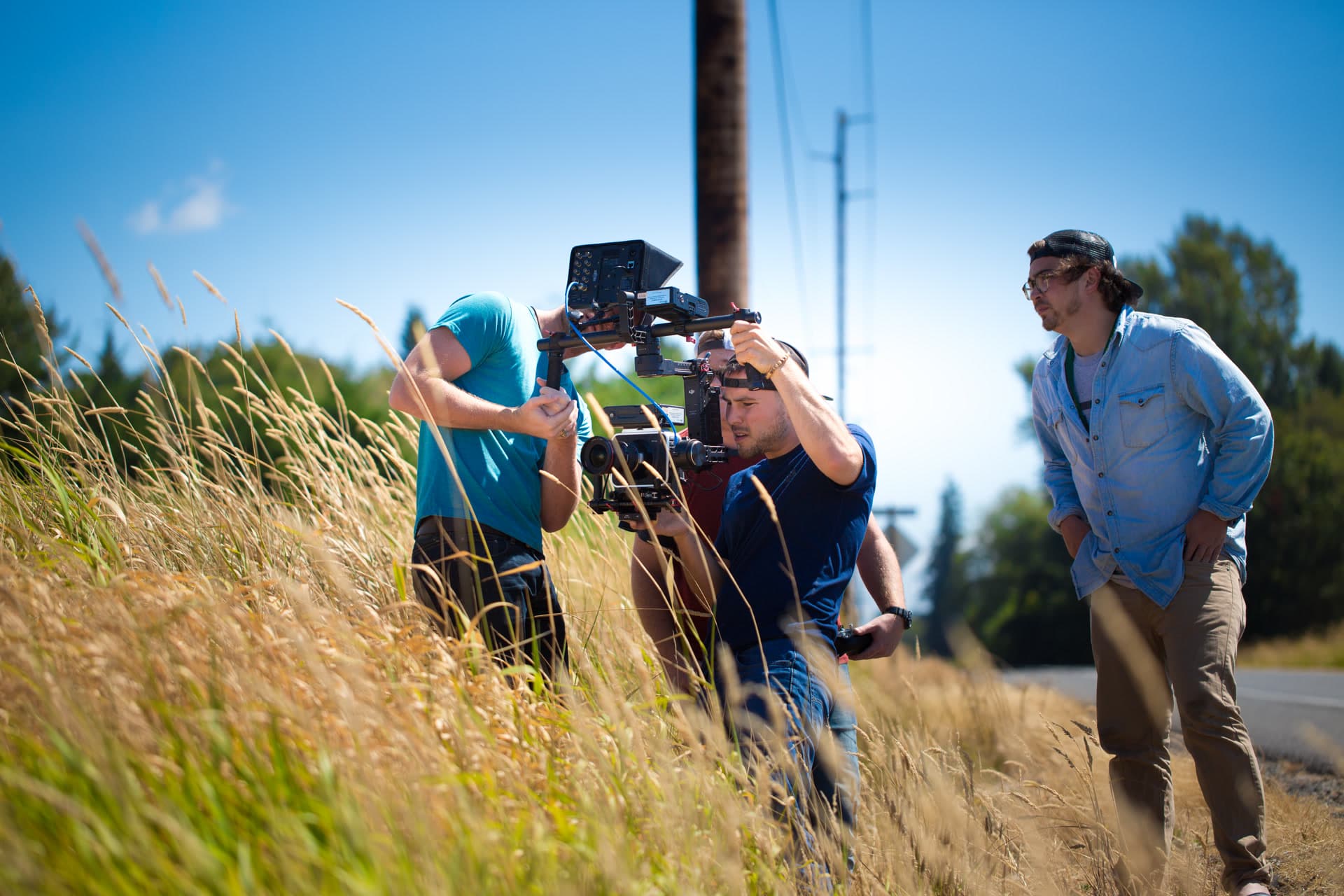
Six Connected Stages
When brief, prep, studio capture, review, brand standards, and final delivery share one home, producers spend less time chasing status and more time elevating craft.
Creative Brief
Start every production with one clear creative brief capturing objectives, key messages, decision-makers, and target delivery formats.
Prep
Organize shoot plans, interview questions, location logistics, and reference documents directly inside the project so nothing lives in stale attachments.
Studio
Bring guided remote or on-location recordings straight into the project structure so editors start working without hunting across shared drives.
Review
Share one clean screening-room link for timestamped notes and explicit version approvals without exporting to separate revision review software.
Brand Engine
Store each client's approved brand tokens, lockups, and visual guardrails next to active projects so lower-thirds and end cards stay accurate across every cut.
Final Delivery
Publish locked deliverables cleanly separated from working uploads and rough cuts, so clients always find the exact finished files ready for launch.
Role Clarity
Common Questions
Commercial production teams, internal video studios, and client marketing or communications leads who need brief intake, prep, studio capture, review, brand consistency, and final delivery in one calm workspace.
Yes. Instead of moving cuts from project folders into separate third-party review software and then uploading finals to a generic file link, every stage lives on one film record from brief to delivery.
Brand guidelines, approved lockups, and visual rules stay attached at the client and project level so every producer and editor references the same source of truth across ongoing deliverables.
Explore Co-VideoPro
From the first client brief to the approved final film, one connected production workspace.
Frame-pinned comments, stacked cut versions, and clean screening-room links.
Pin visual frame callouts and timecoded markup to exact cuts without losing version context.
Watch cuts together in real time with synchronized playback, shared notes, and clear sign-off.
Anchor every stakeholder note to the exact frame, timecode, and cut version for decisive edits.
Turn frame-pinned review notes into a structured timecode checklist and edit markers for post teams.
Stack v1, v2, and v3 cuts on one film record with version-bound notes and approval receipts.
One clean review link with zero forced sign-up, consolidated notes, and clear approval receipts.
Deliver locked final masters separated cleanly from working uploads and rough cuts.
Copyable timestamped review template and pre-approval checklist for production teams and clients.
Interactive, customizable B2B creative brief builder with copy, download, and print export.
Interactive ROI calculator quantifying monthly hours lost, revision rework spend, and days reclaimed.
Built by Content Co-op
Open a Co-VideoPro workspace for your production team, or start a commercial documentary brief directly with Content Co-op.